本APP可以用来接收和记录串口WiFi转发器发出来的数据,存储时可选择是否添加时间戳,对于存储的数据,可以通过邮箱发送出去。

This App can be used to receive and record serial data via WiFi, with timestamp or not, and then the data can be transferred by email.

工作原理

Principle of the APP

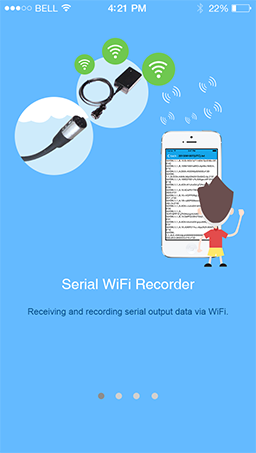
将串口WiFi转发器接在一个串口上,可以将串口输出数据通过WiFi发送出来。本APP可以连接到串口WiFi转发器,接收串口输出数据,并存储在文件中。数据文件可以通过email形式发送出去。
Plug a serial WiFi converter into a serial port, and then the serial output data can be broadcast with WiFi. This APP can be used to connect the serial-WiFi converter and receive the output data. The received data will be stored in a file which can be sent out with email.

连接串口WiFi转发器

Connect Serial WiFi Converter

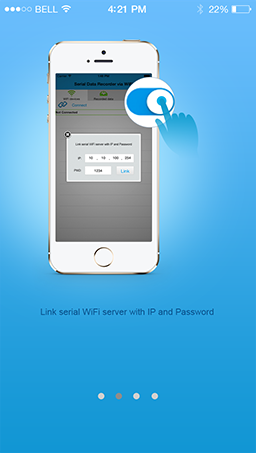
在APP上输入串口WiFi转发器的IP和端口号即可将本APP和串口WiFi转发器进行连接。
Input the IP and port of the serial WiFi converter, and then the APP is connected to the serial WiFi converter.

加入时间戳

Stamp the Data with Time

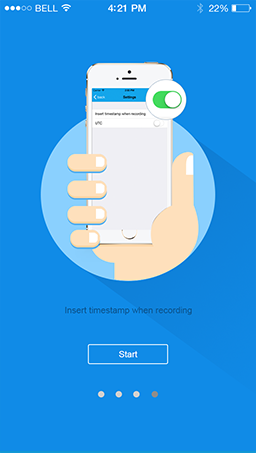
存储数据时可以选择是否添加时间戳。
This APP provides the choice to stamp the serial output data with UTC or local time.

数据记录

Data Recording

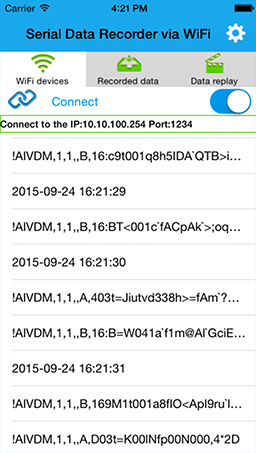
当串口有数据输出时,便会在APP页面上刷新显示,这些数据将会自动被保存在本地,每小时一个文件,文件名用时间自动生成。
The APP will display the data on its interface when it receive the data from the serial WiFi converter, and the data will be stored automatically, one file per hour, named with the timestamp.

数据文件转移

Transfer of the Data Files

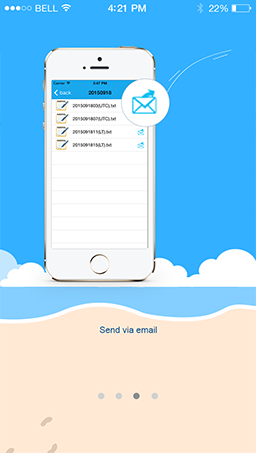
数据文件可以通过邮件转发出去
The data file can be sent out by email.